Table of Contents
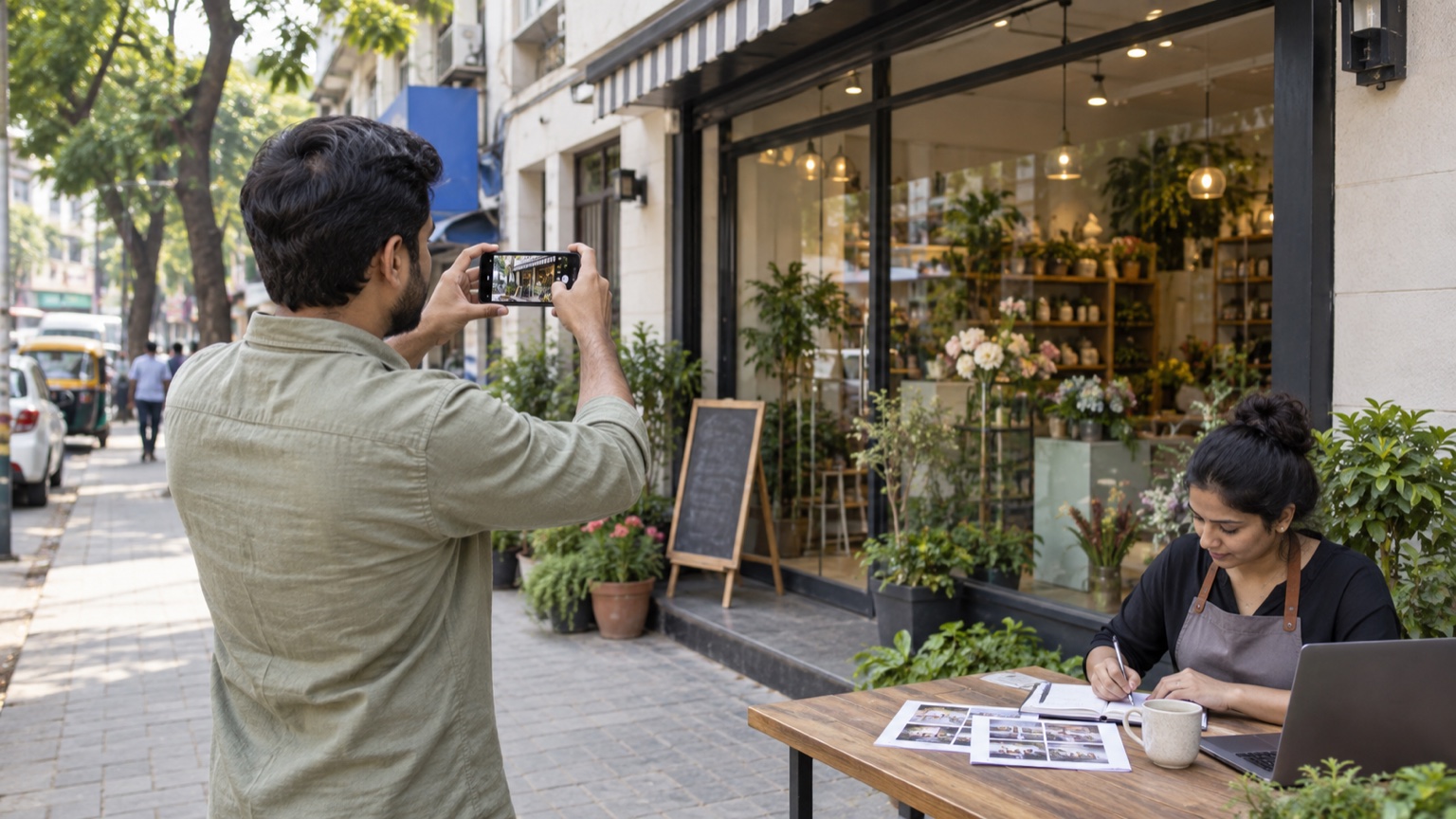
A service-area business visits customers rather than receiving them at a public shop. That can make Google Business Profile video verification feel awkward: there may be no reception desk or permanent storefront sign to film. The answer is not to invent one. If video is the method offered in the profile, plan a continuous recording that shows where the real business operates, what it does and that the owner or authorized person manages it.
Check the profile type first
Google’s video verification instructions distinguish storefront, hybrid and service-area businesses. A service-area firm that does not serve customers at its address should not display that address publicly. Google’s business representation guidelines require accurate real-world details and reject virtual-office substitutes without appropriate staffing. A Noida electrician, home-cleaning provider or mobile repair firm should represent the way it actually works, not copy a storefront checklist from another category.
Verification methods are chosen by Google for a specific profile. This article does not mean every business can choose a video or that one recording guarantees approval. Follow the method visible in the owner’s account and keep the business owner involved. An agency can help plan, but it should not fabricate evidence or claim to be the business operator.
Plan a single honest recording
- Location: show recognizable street signs, building numbers or nearby markers where the business is based.
- Existence: show real work tools, equipment, products, a workspace or legitimate branded materials.
- Management: show access to business-only assets or a real service activity that indicates authority.
- Privacy: keep other people’s faces, personal details and sensitive ID, tax or bank information out of view.
- Continuity: plan a route that can be captured in one uninterrupted video rather than assembling clips.
Google says the recording must be live, unique, unedited, at least 30 seconds and uploaded from a mobile device through the profile. A hypothetical Noida home-service operator might show a nearby street marker, its actual equipment and access to its own work vehicle. These are illustrative possibilities; the evidence should match the business’s reality and Google’s on-screen request.
Storefront evidence versus service-area evidence
| Business type | Typical evidence | Do not assume |
|---|---|---|
| Storefront or hybrid | Permanent signage, customer-facing premises, management access | A temporary banner proves a real shop |
| Service-area | Base-area markers, working tools, proof of operation and management | A public shop address is required |
Pros and cons of preparing carefully
Pros: A planned route can capture relevant facts clearly, protect privacy and reduce avoidable re-recording. Cons: Preparation takes time, evidence may be difficult for a small mobile business to show, and Google still makes the decision. Do not film customers or private paperwork simply to make the video look more convincing.
After uploading
Review the status in the profile, wait for Google’s decision and read any stated rejection reason before trying again. Google says review can take up to five business days; do not promise a faster result. Keep a note of which genuine assets were shown, but do not retain an unnecessary copy of sensitive evidence. Our local SEO service covers accurate profile setup; the suspension appeal guide handles a different problem. More local-search articles are in the blog hub.